Test builds
First-time install
- Open the Cadmus GitHub Actions page.
- Select the run for the change you want to test.
- Download the
cadmus-kobo-test-<suffix>file.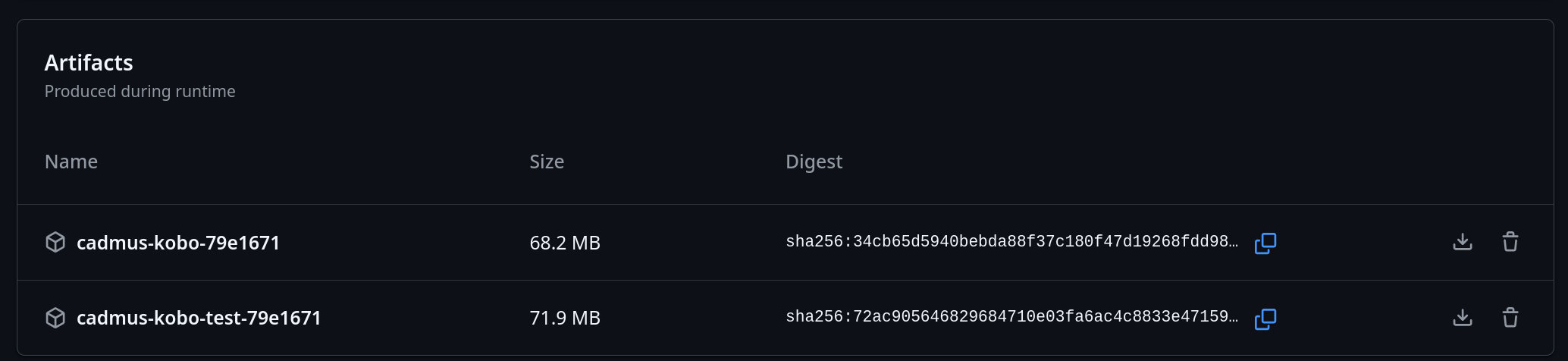
- Extract it and pick the package that matches your setup.
- Rename the selected file to
KoboRoot.tgz. - Copy that renamed file to:
/mnt/onboard/.kobo/KoboRoot.tgz - Eject the device and reboot.
Note
Test packages such as
KoboRoot-test.tgzandKoboRoot-nm-test.tgzmust be renamed toKoboRoot.tgzbefore you copy them to your Kobo.
Updating an existing test build
Use the OTA feature to download updates from a PR number directly on your device. This lets you test changes without connecting to a computer.