Settings
The settings editor lets you change how Cadmus works. Open it from Main Menu → Settings.
Settings are organised into tabs — tap a category to open it.
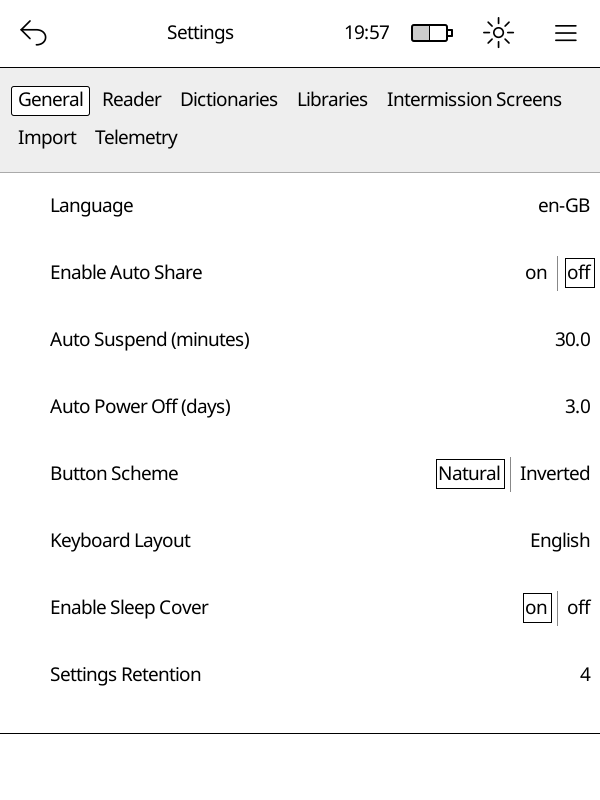
Categories
- General — language, sleep, auto-suspend, button layout, startup mode
- Reader — what happens when you finish a book
- Libraries — add, edit, or remove your book libraries
- Dictionaries — download and manage offline dictionaries
- Import — control how new books are picked up automatically
- OTA — download Cadmus updates directly to your Kobo
- Telemetry — logging options